
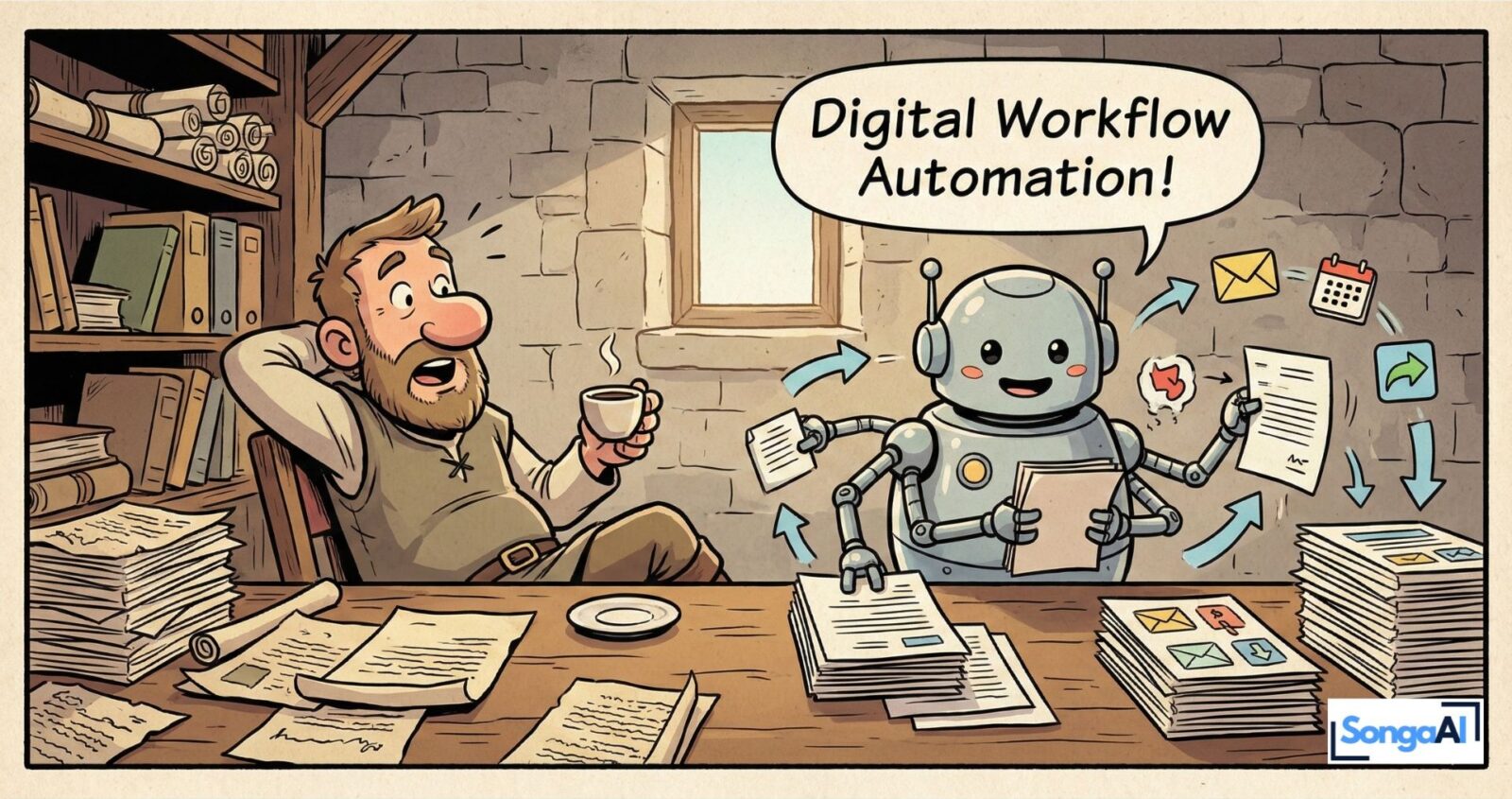
Hey there, productivity pro!
If your day sometimes feels like an endless loop of emails, approvals, copy-paste rituals, and “Wait… where did that file go?”, then here’s the good news: Digital workflow automation is the part of your business that quietly does the work while you focus on the things that actually move the needle.
No fairy godmother, no magic wand — just smart systems that keep everything flowing.
What Digital Workflow Automation Really Is
Imagine every routine task in your business had a backstage assistant. Someone who’s collecting data, moving information from one tool to another, sending follow-ups, sorting messages, updating your CRM, reminding clients on time, and filing documents where they belong. That’s exactly what digital workflow automation does for you.
It’s a set of connected, digital processes that run reliably in the background, powered by tools like Make.com, GoHighLevel, and modern AI. If you’ve read our guide on workflow automation for small businesses, you’ve already seen the foundation. Digital workflow automation takes that same idea and applies it to your entire operational system, creating a seamless flow from lead capture to client delivery.
Here’s a real-world example: A lead fills out your form, your CRM updates automatically, a personalized reply goes out within seconds, your calendar syncs with the appointment, and reminders fire automatically the day before. All of this happens without you lifting a finger, and more importantly, without you having to remember to do it.
Why You’ll Want This Yesterday
Let’s keep it simple — digital workflow automation changes your business in three huge ways.
First, it gives you hours back every week. Work that normally takes two to three hours becomes a 30-second trigger. Forms flow directly into your CRM. Emails sort themselves into categories. Invoices get parsed automatically and filed in the right place. This isn’t hype or marketing fluff — it’s practical, everyday time you win back. Time you can spend on strategy, client relationships, or simply getting your life back.
Second, it eliminates the “oops” moments that keep you up at night. We’re all human, which means typos happen, follow-ups get forgotten, and appointments slip through the cracks when things get busy. But digital workflow automation doesn’t have bad days. It runs consistently, even when your calendar is packed and your brain is fried. Your clients get their reminders, your leads get their follow-ups, and nothing falls through the cracks.
Third, and perhaps most importantly, it lets you focus on the work you actually enjoy. Whether that’s serving clients at a deeper level, building new offers, or taking that extra afternoon walk — automation handles the repetition so your brain stays free for the good stuff. Your automated appointment reminder system runs itself, you just show up at the right time. Your onboarding sequence delivers value while you’re sleeping. Your follow-up emails nurture leads without you having to remember who needs what and when.
The psychological shift this creates is profound. Instead of feeling like you’re constantly playing catch-up, you start operating from a place of control and intention. Digital workflow automation transforms you from a frantic task-juggler into a strategic business owner.
How to Start With Digital Workflow Automation (Without Tech Stress)
Here’s a simple, beginner-friendly roadmap — inspired by how we help clients at SongaAI get started without overwhelming them.
Step one: Identify your “repetitive offenders.” What tasks keep showing up day after day? Lead handling is a classic one — every new lead needs to be added to your CRM, sent a welcome email, and scheduled for follow-up. Invoice processing is another: every invoice needs to be logged, categorized, and filed. Inbox sorting eats up time too, with emails coming in that could be automatically categorized or responded to. These repetitive tasks are perfect starting points because they’re predictable, they happen frequently, and automating them creates immediate relief.
Step two: Choose your automation tool that matches your comfort level and needs. Make.com offers visual, powerful workflows that let you see exactly how data flows through your system. GoHighLevel functions as an all-in-one CRM plus messaging plus follow-up engine, perfect if you want everything in one place. Zapier provides quick, simple automations for connecting apps you already use. Pick one and keep it simple at first — you can always expand later. If you’re curious about no-code options, check out our 5 powerful no-code automation examples to see what’s possible without writing a single line of code.
Step three: Build a tiny test workflow to prove the concept. Nothing big or complicated. Something like “When a form is filled out, send a confirmation email and add the contact to my CRM.” Even small wins build confidence and help you understand how digital workflow automation thinks. You’ll start seeing opportunities everywhere once you get your first automation running.
Step four: Document the workflow in simple language. Just write down something like “Form submission triggers CRM entry which triggers confirmation email.” Future-you will thank you when you need to troubleshoot or expand the workflow six months from now. Documentation doesn’t need to be fancy — a simple note in Google Docs or Notion works perfectly.
Step five: Celebrate your wins because seriously, your first successful automation deserves a moment. The first time your inbox auto-sorts itself is borderline spiritual. The first time a lead gets nurtured through a five-email sequence while you’re on vacation feels like magic. These moments matter because they reinforce that you’re building something sustainable.
Real-World Digital Workflow Automation Scenarios
Let’s get concrete about what this looks like in actual businesses. A consultant might automate their entire client onboarding process where a signed contract triggers invoice generation, welcome packet delivery, calendar invitation, and project folder creation — all within minutes. A coach could automate their discovery call workflow so that when someone books a call, they automatically receive a pre-call questionnaire, reminder emails, and a follow-up sequence if they don’t show up.
E-commerce businesses use digital workflow automation to handle order confirmations, shipping notifications, review requests, and abandoned cart recovery. Service providers automate appointment reminders, feedback collection, and renewal notifications. Content creators automate their publishing workflows, social media distribution, and email newsletter delivery. The applications are endless because every business has repetitive processes that can be systematized.
The integration of AI automation for business takes this even further. Modern AI can analyze customer behavior, personalize communications at scale, and even handle initial customer inquiries — all while maintaining that human touch your brand is known for. Digital workflow automation combined with AI creates a system that’s not just efficient, but intelligent.
The key is starting with one workflow, getting it right, and then expanding. Digital workflow automation builds on itself — each successful automation gives you confidence and ideas for the next one.
Still Unsure If Automation Is For You?
Here are the questions most small business owners ask when they’re considering digital workflow automation.
“Do I need to be a tech person?” Absolutely not. If you can upload an Instagram Story or send a calendar invite, you have enough tech skills to automate basic workflows. The tools we use today are designed for business owners, not programmers. They use visual interfaces, drag-and-drop builders, and plain language settings.
“Is it expensive?” Not really. Most automation tools offer free plans that cover basic workflows, and paid plans typically cost less than an hour of your time per month. The real value isn’t in what you pay — it’s in the hours you get back. When you calculate the value of your time against the cost of automation tools, the ROI becomes obvious quickly.
“Will it replace my personal touch?” Not at all, and this is crucial to understand. Digital workflow automation handles the repetition so you can focus on the human parts. It sends the reminder so you can have a better conversation. It updates the CRM so you can remember details about your clients. It handles the logistics so you can bring more presence and creativity to your actual work.
The Mindset Shift That Changes Everything
Digital workflow automation isn’t just a tactic or a productivity hack — it’s a fundamental mindset shift. It’s choosing systems over stress, clarity over chaos, and growth over busywork. It’s deciding that your time and energy are too valuable to spend on tasks a computer can handle reliably.
Once you start automating, you’ll wonder how you ever ran your business without it. You’ll start seeing your business differently, not as a collection of tasks you have to remember, but as a system of workflows that can run smoothly with the right setup. You’ll catch yourself thinking “I could automate that” when you notice yourself doing something repetitive for the third time.
This shift from “doing everything manually” to “building systems that work for me” is what separates business owners who stay stuck from those who scale sustainably. Digital workflow automation gives you leverage — the ability to serve more clients, create more value, and maintain your sanity while doing it.
Ready to Transform Your Daily Operations?
The beauty of digital workflow automation is that you don’t need to transform everything overnight. Start with one workflow. Get it running. Experience the relief of having something work automatically. Then build on that momentum.
Your business can become a smooth, reliable engine where the right things happen at the right time without constant manual intervention. Where you spend your days on strategic decisions and meaningful client work instead of administrative repetition. Where you actually have time to think, create, and live.
But here’s the thing: knowing about automation and actually implementing it are two different things. The gap between understanding the concept and building workflows that actually work for your specific business can feel overwhelming. That’s exactly where we come in.
Ready to build smarter workflows and free up your time for the work that really matters?
At SongaAI, we specialize in helping small business owners implement digital workflow automation that actually fits their operations — without the tech headaches or endless trial and error. We’ll audit your current processes, identify your biggest time drains, and show you exactly which automations will give you the most impact.
Book a free automation audit with SongaAI and let’s map out a custom automation strategy for your business. In just 30 minutes, you’ll walk away with a clear roadmap of which workflows to automate first and how to get started — even if you’ve never automated anything before.
Your future self (the one who’s not drowning in repetitive tasks) will thank you.